工具项目
文集大纲加载中……
小迪安全知识库
-
+
首页
WIN萤火应急响应工具
WIN萤火应急响应工具
# 萤火应急响应工具 项目地址:https://github.com/11firefly11/yinghuo `萤火应急响应工具` 是一个面向 Windows 主机应急响应场景的轻量化图形客户端。工具核心目标是把现场常用的账号、进程、网络、持久化、日志、文件取证、报告输出和辅助工具箱整合到一个可双击运行的客户端里,帮助应急人员快速完成“采集证据、提取异常、辅助处置、输出报告”的闭环。 HackTool/Mikatz.j 属于误报是应急响应的两条Mimikatz特征的建议触发了规则 ## 界面预览 [](https://github.com/11firefly11/yinghuo#%E7%95%8C%E9%9D%A2%E9%A2%84%E8%A7%88) ### 应急总览 [](https://github.com/11firefly11/yinghuo#%E5%BA%94%E6%80%A5%E6%80%BB%E8%A7%88) [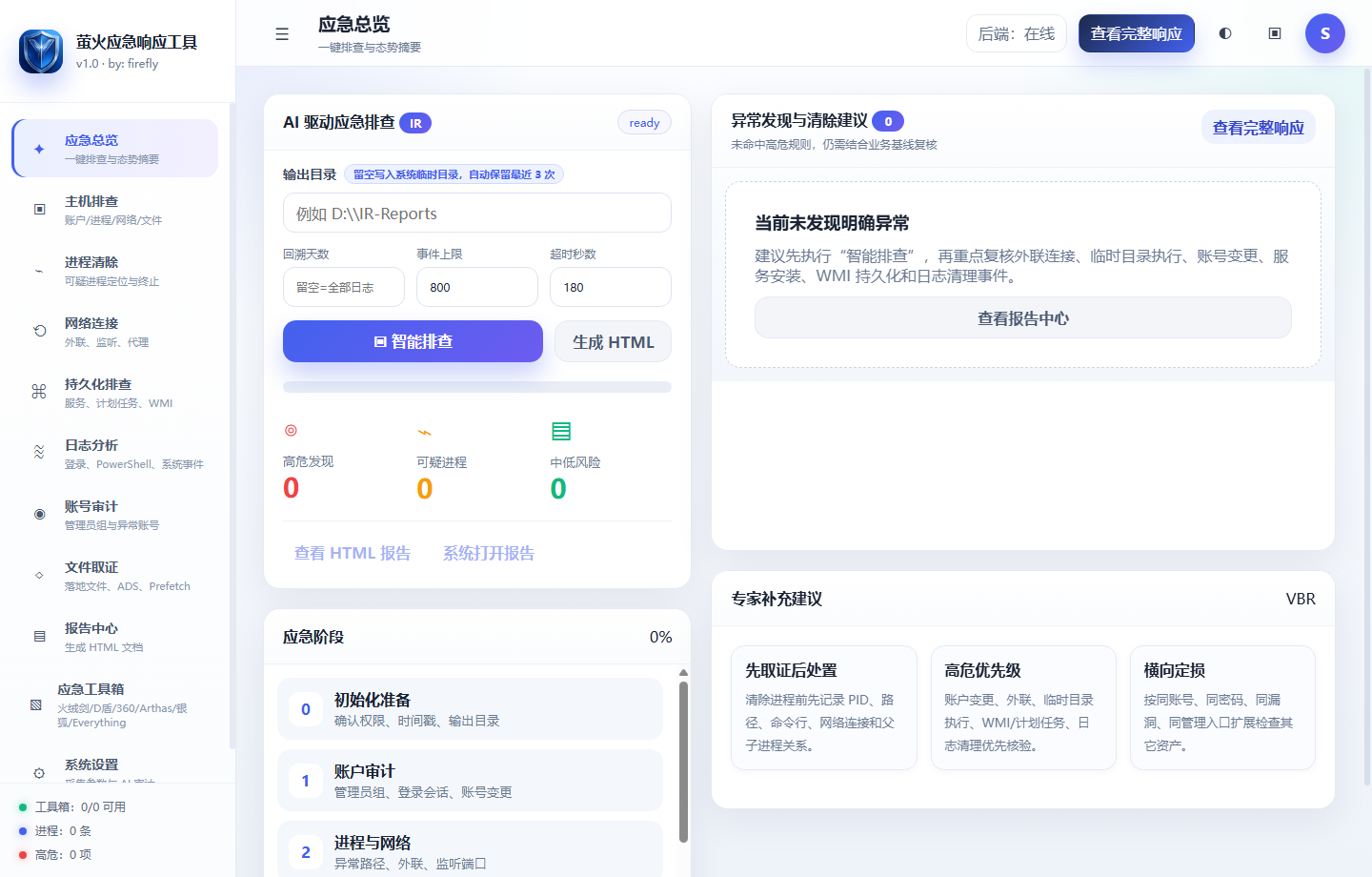](https://github.com/11firefly11/yinghuo/blob/main/docs/images/firefly-overview.png) ### 网络连接 [](https://github.com/11firefly11/yinghuo#%E7%BD%91%E7%BB%9C%E8%BF%9E%E6%8E%A5) [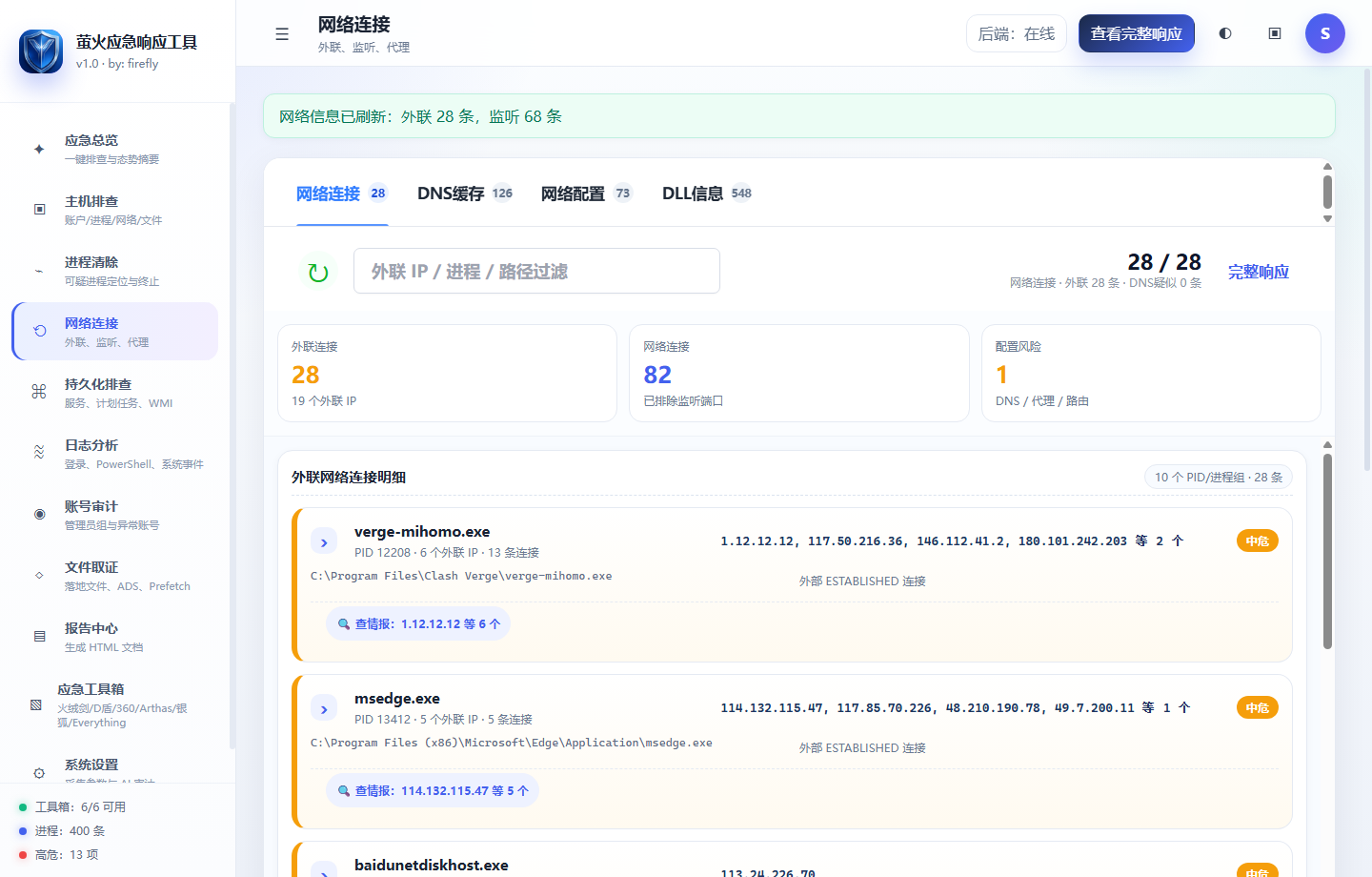](https://github.com/11firefly11/yinghuo/blob/main/docs/images/firefly-network.png) ### 持久化排查 [](https://github.com/11firefly11/yinghuo#%E6%8C%81%E4%B9%85%E5%8C%96%E6%8E%92%E6%9F%A5) [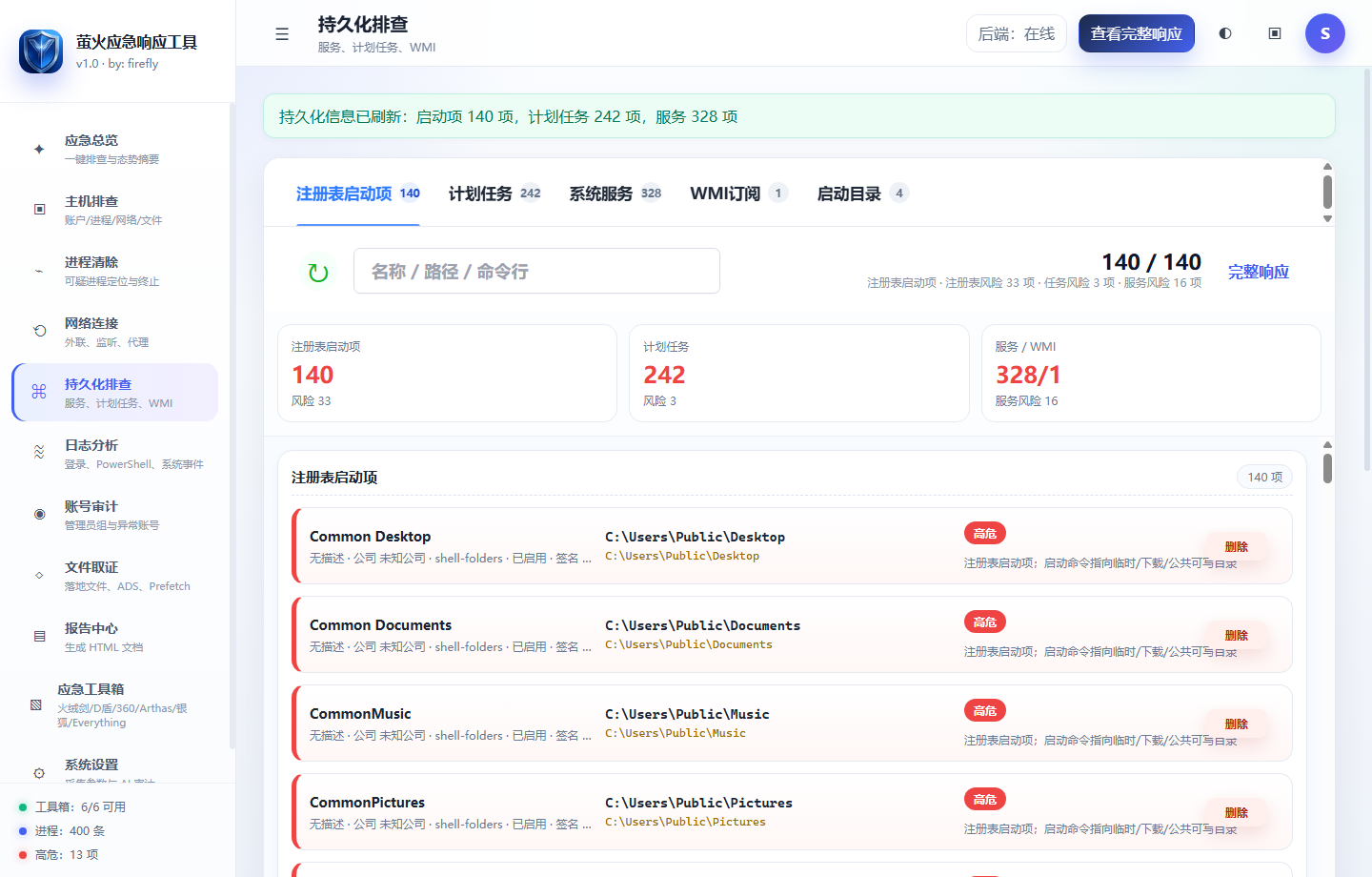](https://github.com/11firefly11/yinghuo/blob/main/docs/images/firefly-persistence.png) ### 进程清除 [](https://github.com/11firefly11/yinghuo#%E8%BF%9B%E7%A8%8B%E6%B8%85%E9%99%A4) [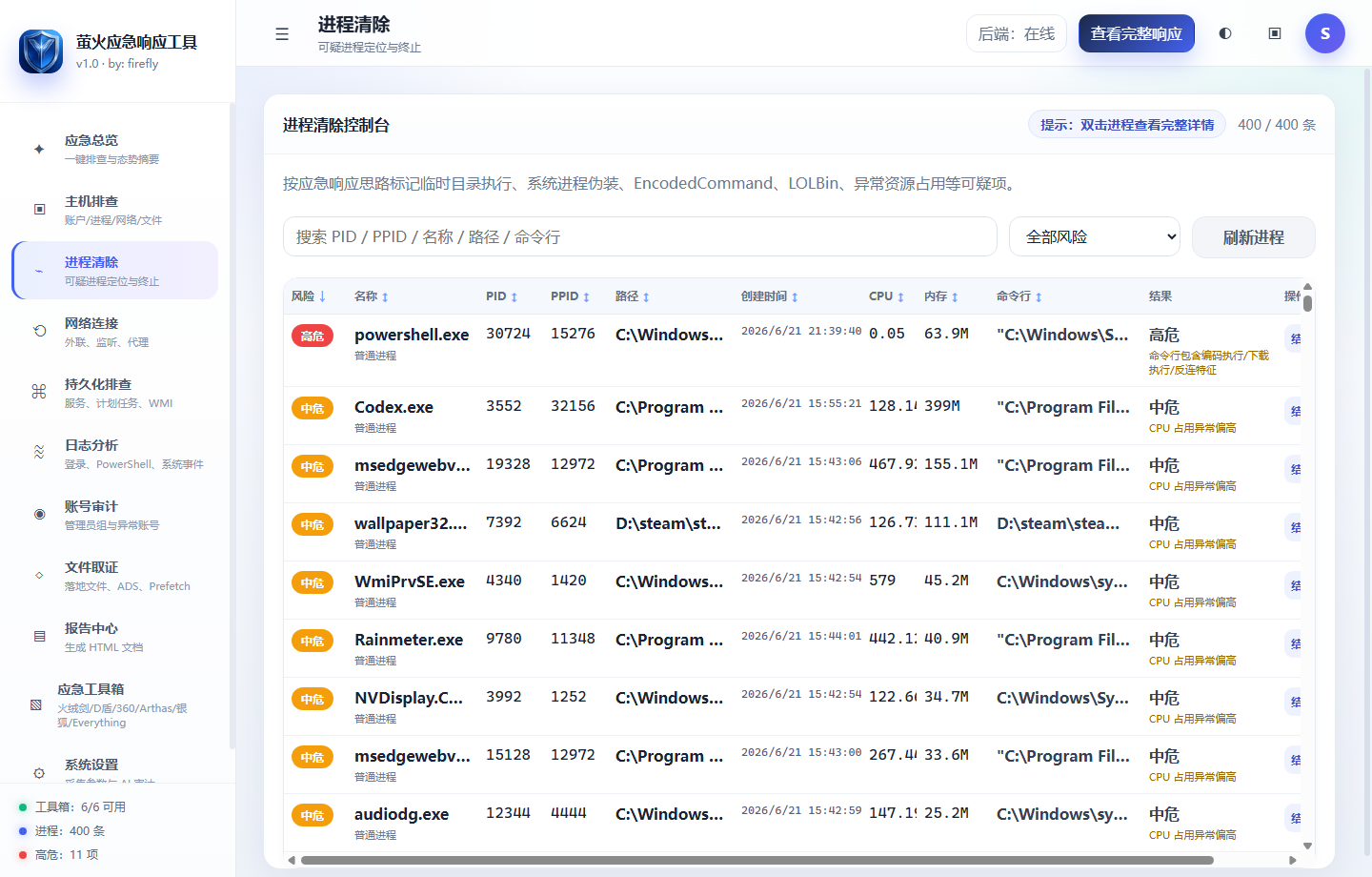](https://github.com/11firefly11/yinghuo/blob/main/docs/images/firefly-processes.png) ### 日志分析 [](https://github.com/11firefly11/yinghuo#%E6%97%A5%E5%BF%97%E5%88%86%E6%9E%90) [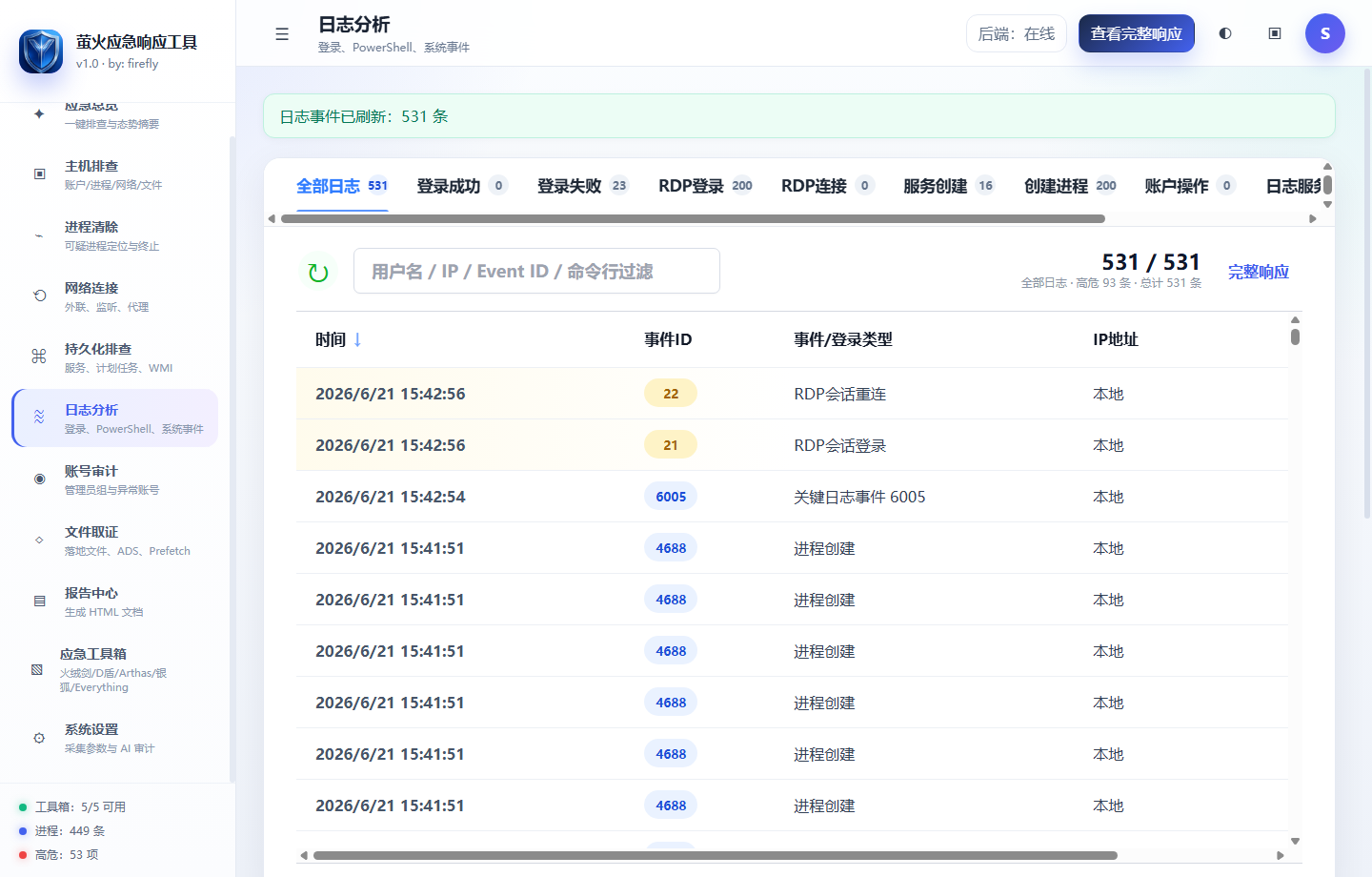](https://github.com/11firefly11/yinghuo/blob/main/docs/images/firefly-logs.png) ### 账号审计 [](https://github.com/11firefly11/yinghuo#%E8%B4%A6%E5%8F%B7%E5%AE%A1%E8%AE%A1) [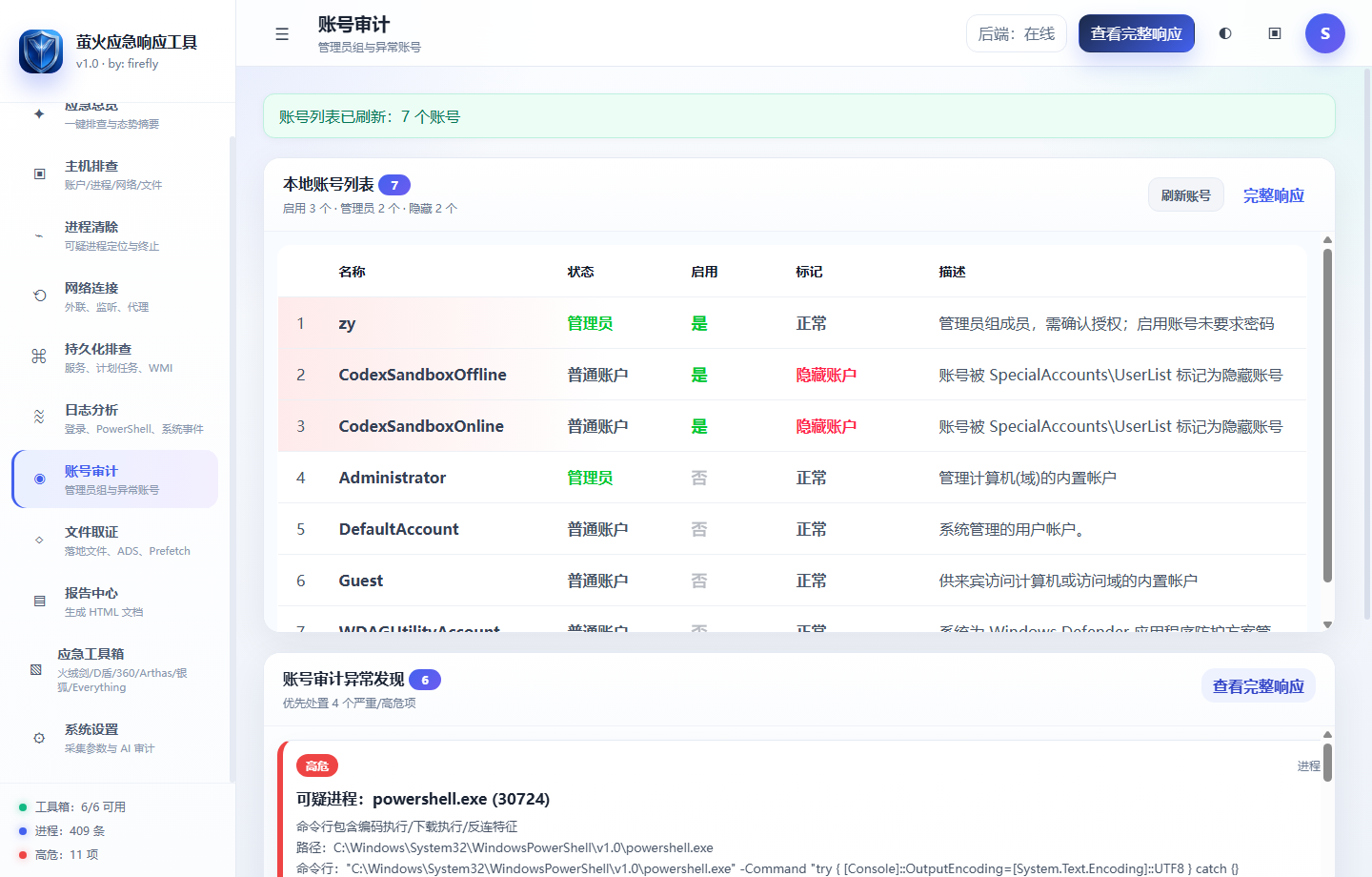](https://github.com/11firefly11/yinghuo/blob/main/docs/images/firefly-accounts.png) ### 文件取证 [](https://github.com/11firefly11/yinghuo#%E6%96%87%E4%BB%B6%E5%8F%96%E8%AF%81) [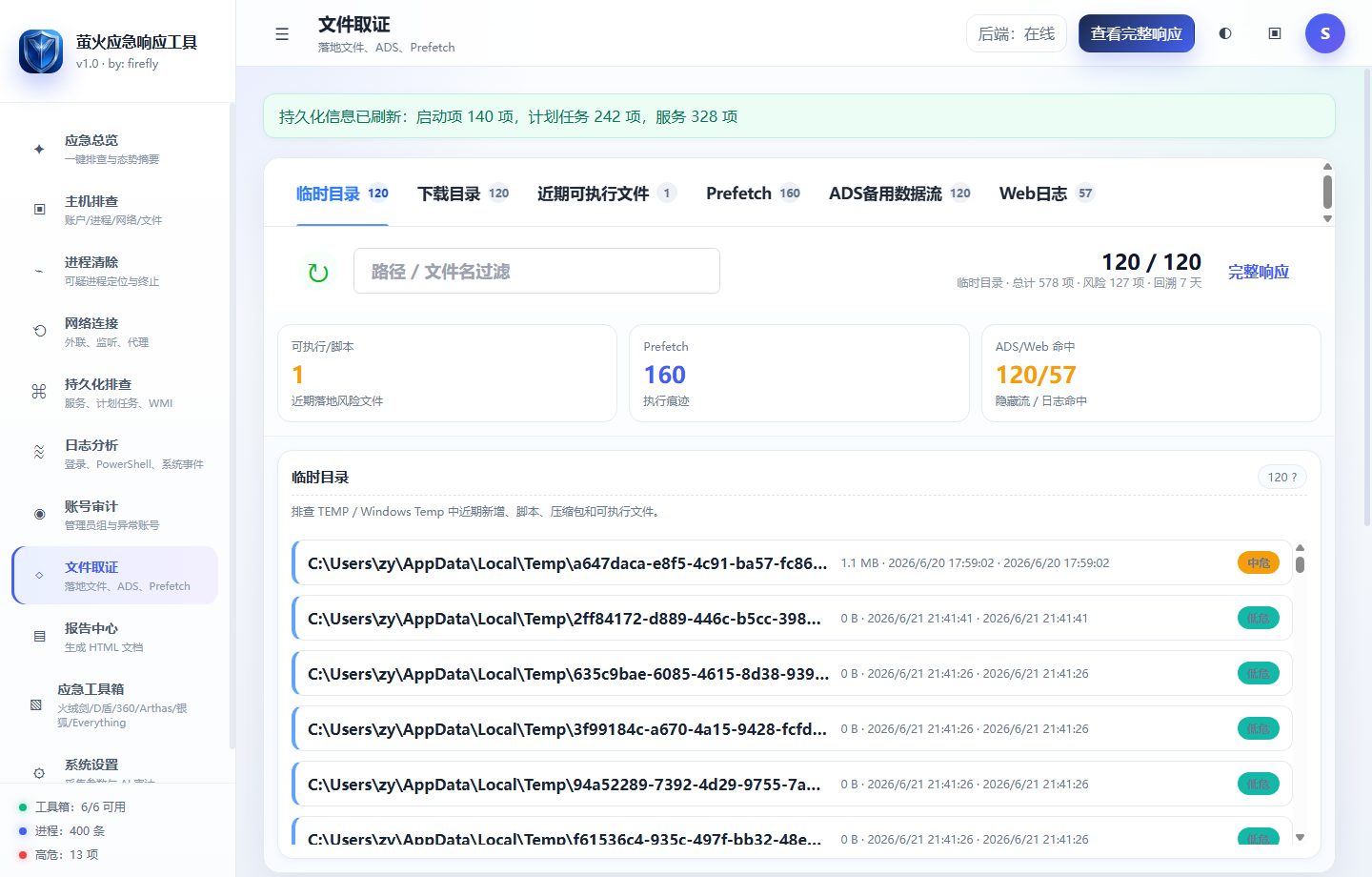](https://github.com/11firefly11/yinghuo/blob/main/docs/images/firefly-files.png) ### 应急工具箱 [](https://github.com/11firefly11/yinghuo#%E5%BA%94%E6%80%A5%E5%B7%A5%E5%85%B7%E7%AE%B1) [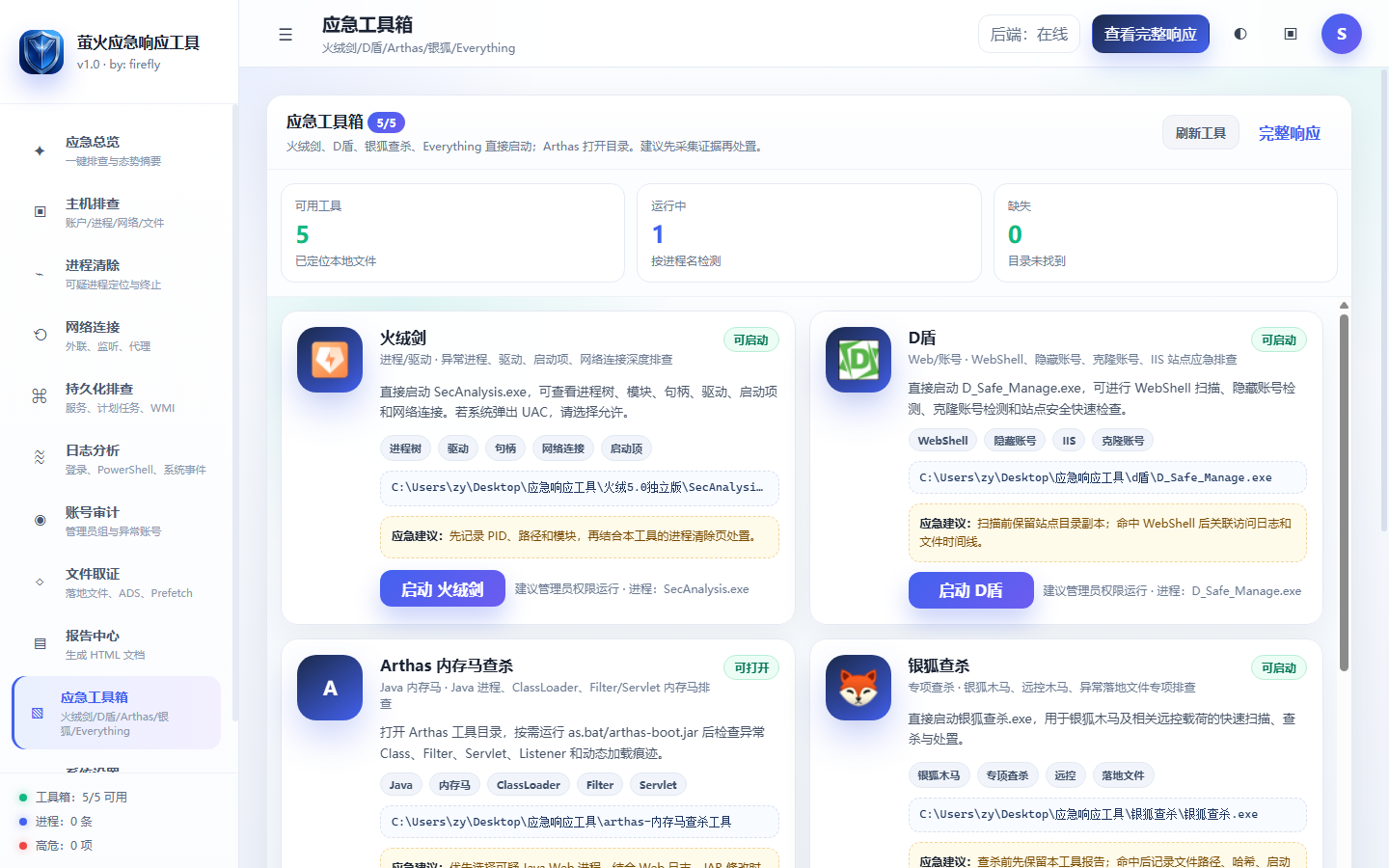](https://github.com/11firefly11/yinghuo/blob/main/docs/images/firefly-tools.png) ### 系统设置与 AI 审计 [](https://github.com/11firefly11/yinghuo#%E7%B3%BB%E7%BB%9F%E8%AE%BE%E7%BD%AE%E4%B8%8E-ai-%E5%AE%A1%E8%AE%A1) [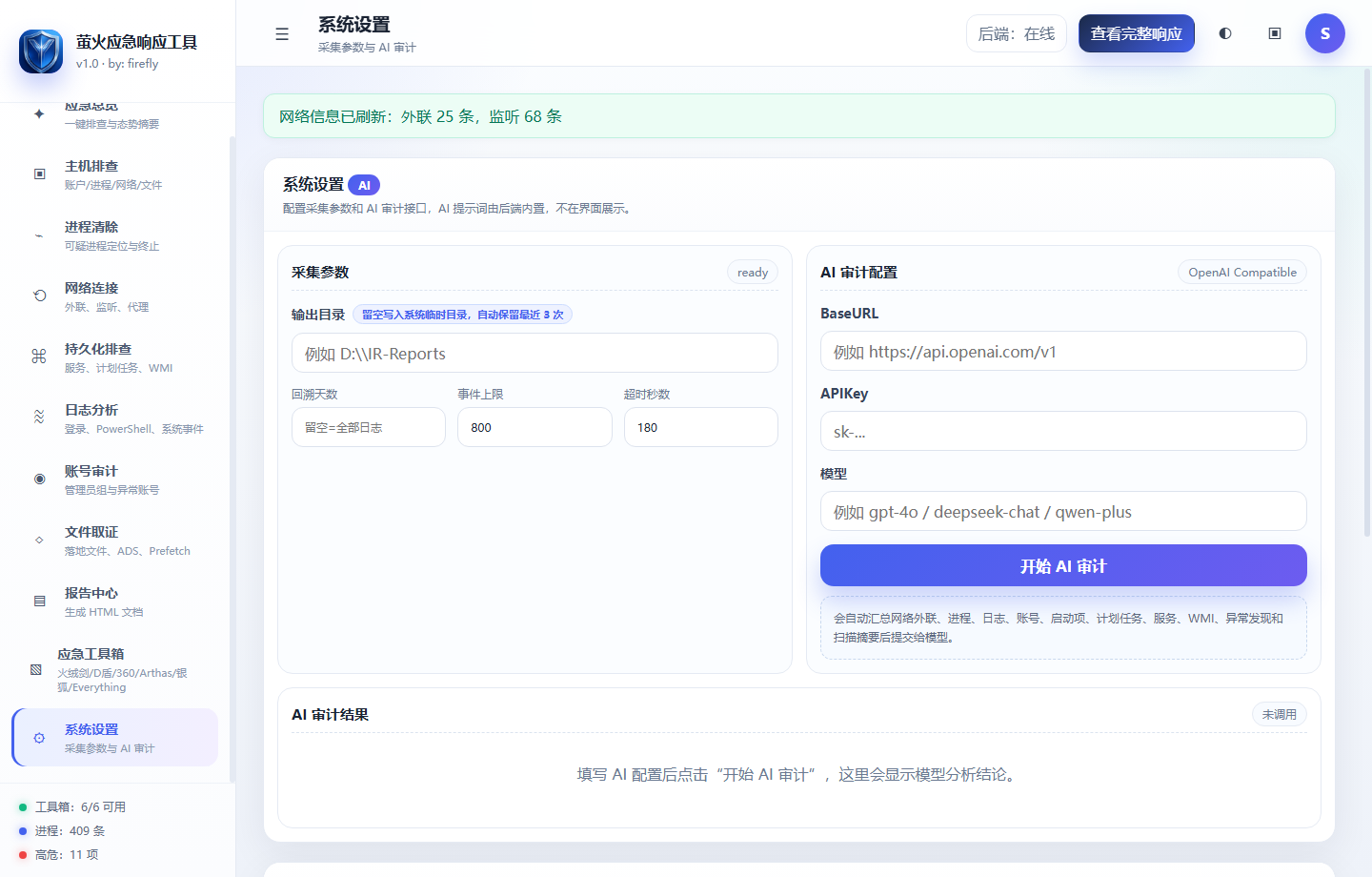](https://github.com/11firefly11/yinghuo/blob/main/docs/images/firefly-settings.png) ## 核心能力 [](https://github.com/11firefly11/yinghuo#%E6%A0%B8%E5%BF%83%E8%83%BD%E5%8A%9B) * 单文件 Windows 客户端:`release\萤火应急响应工具.exe` 可直接双击运行,前端资源已嵌入 Go 后端。 * 本地化采集:所有采集接口默认运行在本机 `127.0.0.1`,用于客户端 UI 调用。 * 图形化模块:左侧为应急响应模块导航,右侧展示结构化摘要、异常发现、完整响应和处置入口。 * 并发采集:智能排查任务按模块并行执行,完成后汇总结果并生成 HTML 报告。 * 异常提取:从进程、外联、DNS、路由、启动项、计划任务、服务、WMI、日志、账号、文件落地等数据中提取可疑点。 * 完整响应:每个模块都保留原始响应入口,便于复核命令输出和证据链。 * 右键定位:网络连接、持久化、文件取证等包含路径的行支持右键选择“打开所在目录”。 * 处置辅助:支持进程结束、计划任务删除、服务删除、注册表启动项删除、WMI 订阅删除、启动目录文件备份后删除。 * AI 审计:可配置 BaseURL、API Key、模型,让外部大模型基于当前采集证据生成审计结论和 HTML 报告。 * 应急工具箱:集成火绒剑、D盾、Arthas 内存马查杀、银狐查杀、Everything 文件搜索等工具入口。
xiaodi
2026年8月17日 17:09
24
0 条评论
转发
收藏文档
上一篇
下一篇
手机扫码
复制链接
手机扫一扫转发分享
复制链接
分享
链接
类型
密码
更新密码
有效期
Markdown文件
Word文件
PDF文档
PDF文档(打印)